
Reserved for administrators: menu Users & access > Instance API keys.
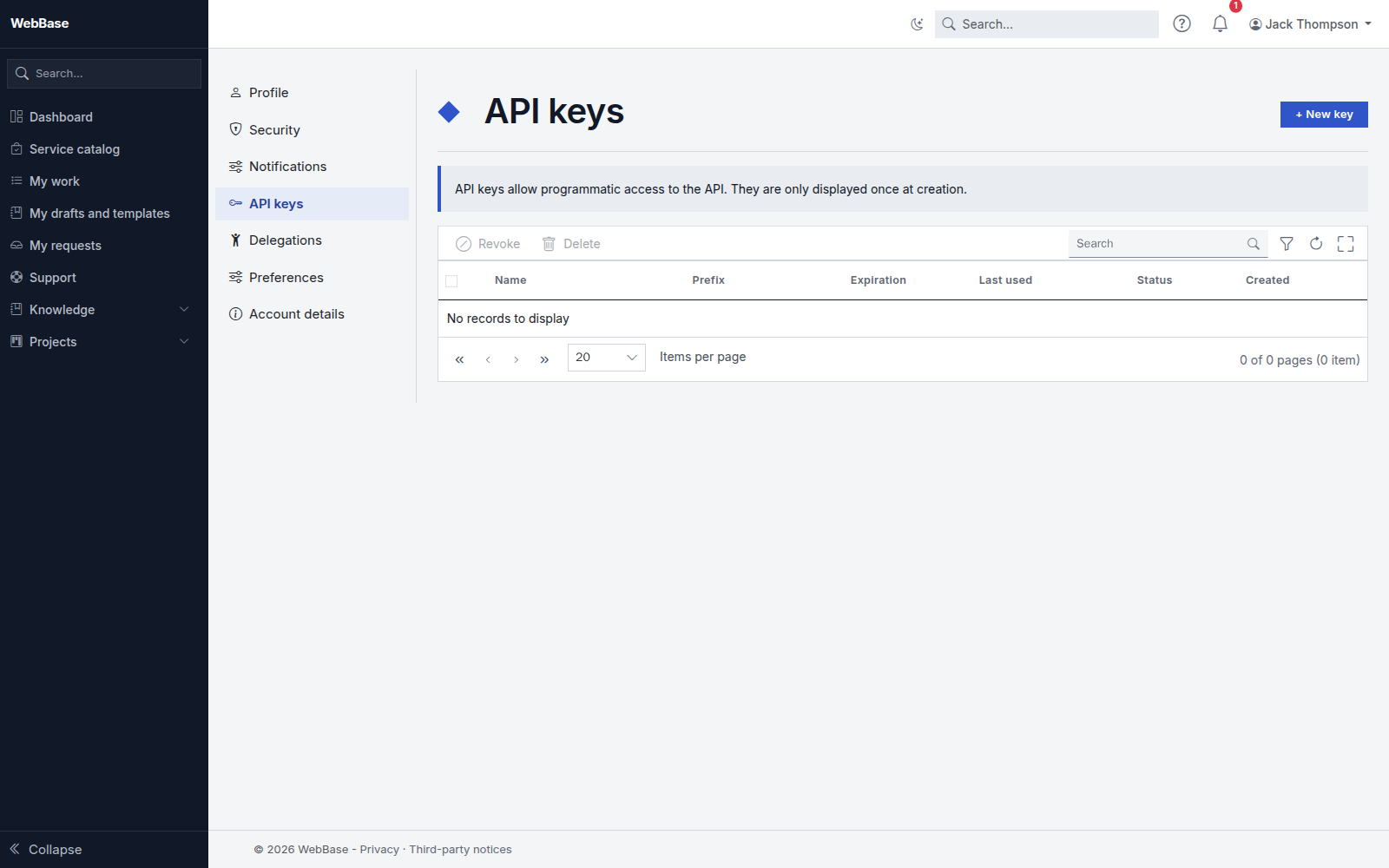
What the screen shows
Every API key of the instance, whoever owns it: name, owner, prefix, expiration (a key with No expiration is flagged), last use, scope (allowed modules and networks) and status. The key itself is never shown.
Revoke a key of another account
Enter a reason next to the key, then click Revoke. The reason is required: it is recorded in the audit log with your name. The key stops working at once, as do the accesses already obtained with it.
See how a key is used
The Usage button shows the calls per day over the last 30 days and the last calls of the key.
Create a key for a service account
A program that must act for the instance (synchronization, integration) should use a service account rather than a person's account. Click Key for a service account, enter the login of the service account, a name, an expiration date and, if needed, the allowed modules and networks. The key is shown only once: copy it right away. A personal or inactive account is refused.
14 days before a service account key expires (adjustable), administrators receive a message so they can replace it in time.