
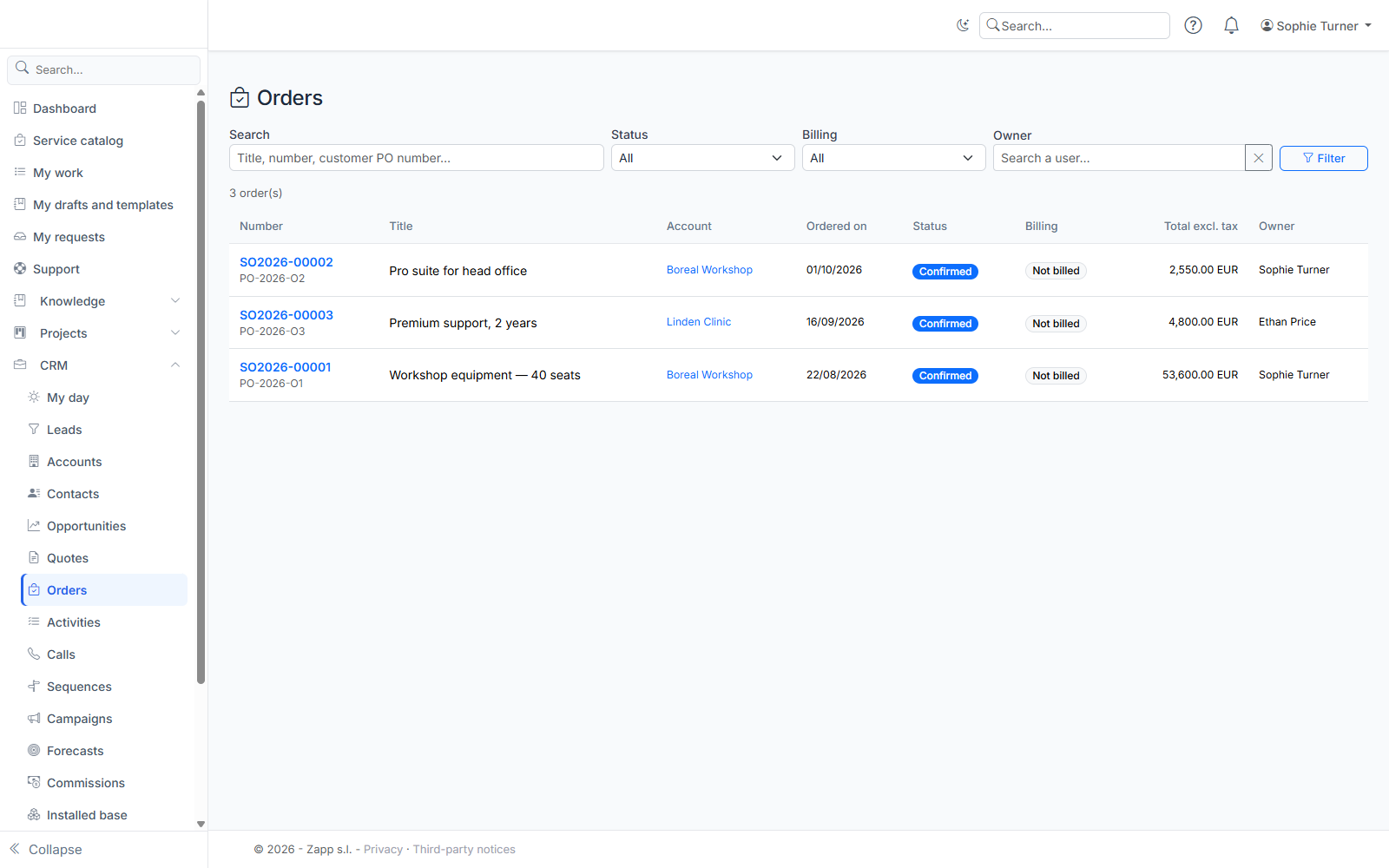
An order is the customer's firm commitment: it is created from an accepted quote. You find orders in CRM › Orders (address: /crm/orders), in the "Orders" panel of the opportunity and account records, and on the accepted quote.
Creating an order
- Automatically: when a quote is accepted (electronic signature or acceptance recorded by hand), its order is created and the handoff starts. The administration can turn this off.
- By hand: on the accepted quote, enter the customer PO number if you have it, then click Create the order.
A quote has only one order. Its lines, discounts, totals and terms are copied and frozen: a new version of the quote no longer changes the order. The number (SO2026-00042) is made of a prefix, the year and a counter.
The order record
- Lines: the copy of the quote, with recurring lines (monthly, quarterly…) and their commitment, and products linked to a stock item.
- Billing schedule and invoices: the first installment, on the order date, groups the one-time lines and the first period of the recurring lines. The following periods fall every month, quarter or year until the end of the commitment: as many whole periods as in the quote's contract value (13 months quarterly = 4 quarters). A line without a commitment is billed for as long as the subscription runs: the schedule is extended by one year each time, one month before it ends. Amounts are rounded to the currency's decimals, and each invoice totals exactly its installment. A period worth 0 (free line) creates no installment. Each installment is sent to billing when due; the invoice number and date appear once it is issued. If billing refuses an installment, the error is shown and it is retried later (1 hour, then twice as long after each failure, at most seven days), without delaying the other installments. Invoice now brings a planned installment forward.
- Handoff: the log of the actions run for the order, with their result. A failed action can be run again with Retry.
- Subscriptions: each recurring line tracked as a subscription, with its renewal date.
- Actual margin (if you may see costs): the sale price compared with the actual known cost. Stock items: latest purchase price, otherwise the cost planned in the quote. Services: the time spent on the project replaces their planned cost (it is not added to it), otherwise the planned cost. The margin stays unknown when an invoiced line has no cost (enter a cost, 0 if there is none) or when a cost cannot be converted into the order currency: a message says so.
The handoff
Depending on the administration settings, an order triggers:
| Action | What happens |
|---|---|
| Billing | Due installments are requested from the billing module, once each. |
| Project | A project is created when a product sold matches a "project" rule. The link to the project appears in the log. |
| Stock and purchasing | The stock items sold are reserved. If some are missing, a replenishment request goes to purchasing. |
| Support contract | The support hours sold are added to the customer's support contract, or a contract is created. |
| Subscriptions | Recurring lines become subscriptions tracked until their renewal. |
| Client contract | If the administrator turned it on: a client contract (Contract management module) is created for the recurring lines, with its end date, renewal and recurring amount; the order's subscriptions are linked to it and their renewal is tracked on the contract. |
An action whose module is not enabled is marked "Not applicable". A successful action is never redone, even if you run the handoff again.
Following up the order
- Customer PO number and internal notes: in the "Follow-up" box.
- Payment: when billing tracks payments, you have nothing to enter. Each installment shows "Paid on …" as soon as its invoice is settled (by payments, a credit note, or both), and the order becomes paid by itself once all its installments are, on the date of the last payment. Credit notes issued on an invoice are shown under the installment. Without this tracking (no billing module, or an order invoiced outside Portail ZAPP), record the payment date once every installment is invoiced.
- Complete the order: when everything is delivered and invoiced. The order's stock reservations are then consumed: they no longer hold back available stock.
- Cancel the order: with a reason. Unbilled installments are cancelled, stock reservations released and subscriptions stopped. Cancellation is refused once an invoice is issued or being issued: have it cancelled in billing.
- Reassign: change the order owner.
Who sees what?
Orders follow the CRM partitioning, like quotes: you see the orders your role opens to you (yours, your team's, your division's, or all). The actual margin is only visible with the right to see catalog costs.