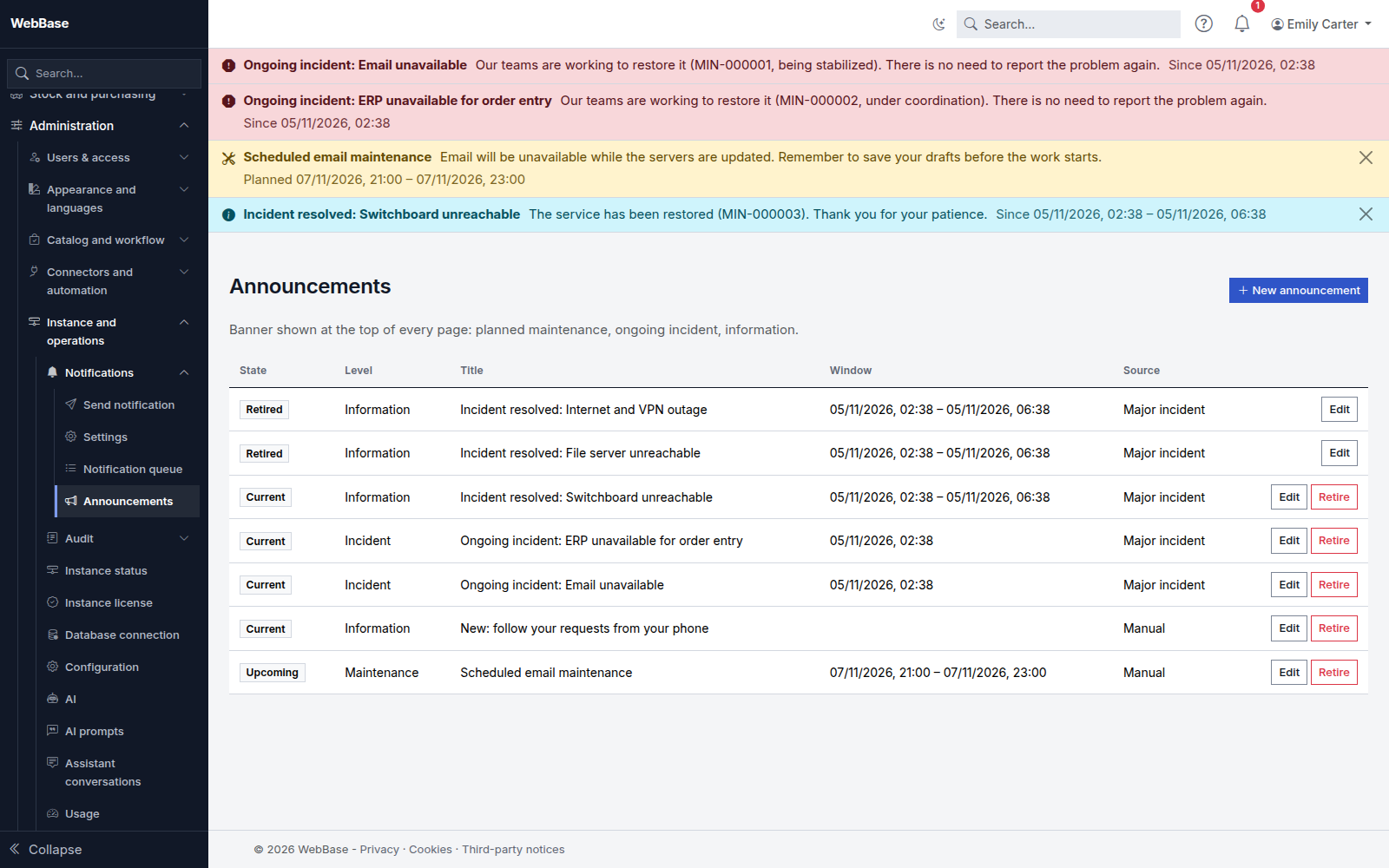
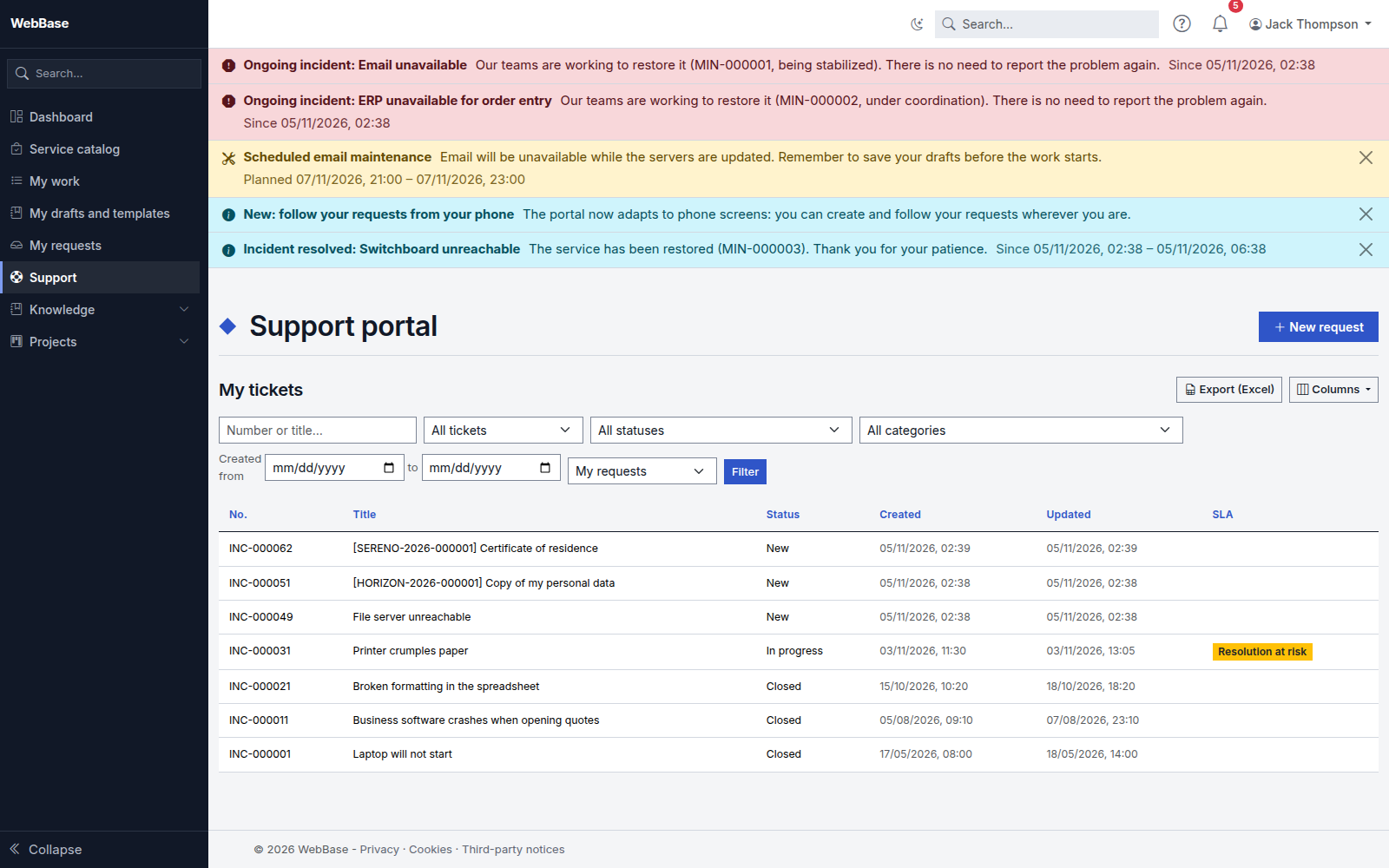
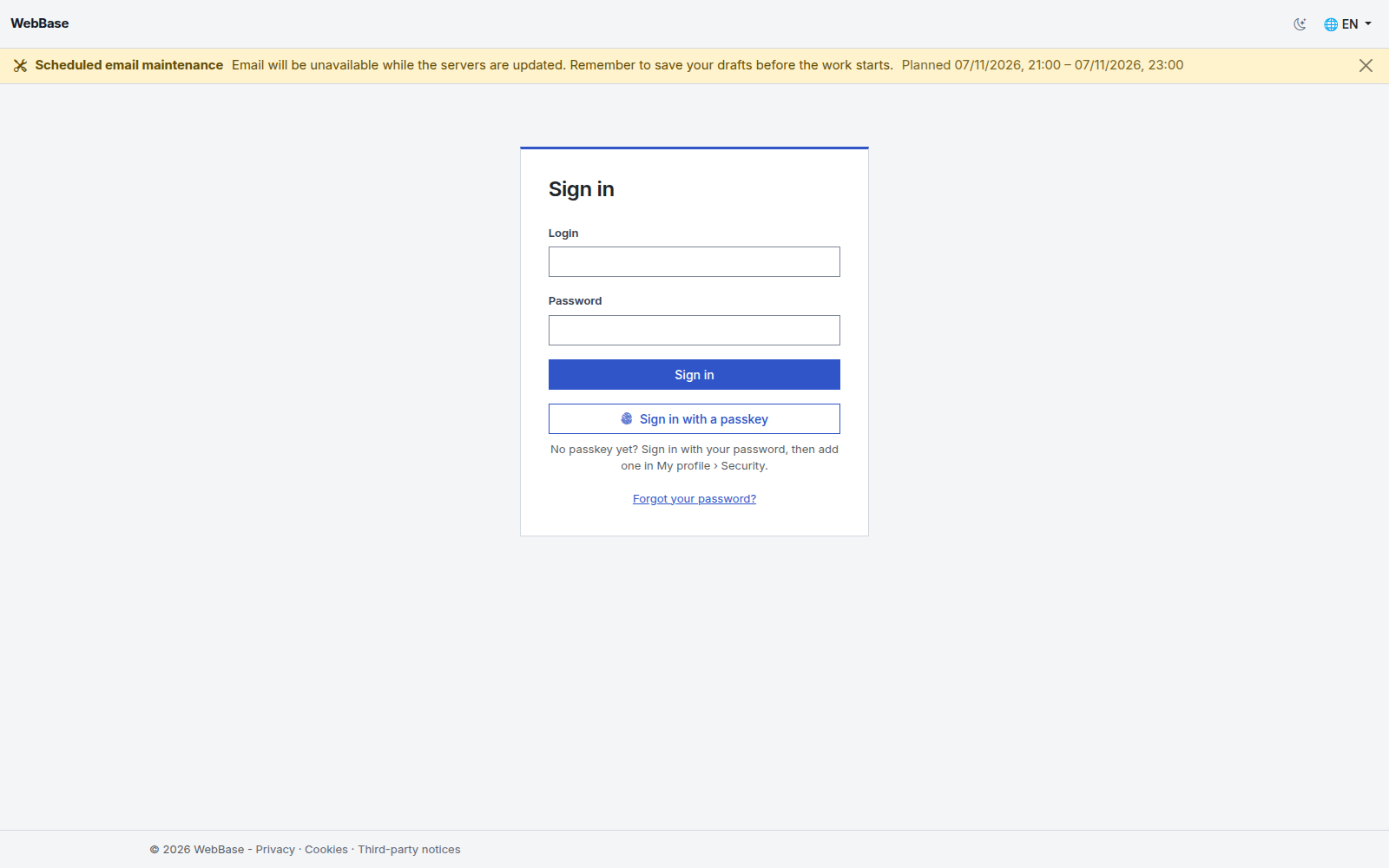
An announcement is shown as a banner at the top of every page of MyZapp: application pages, the requester portal, the sign-in page, public pages and help. Use it to warn about planned maintenance, an ongoing incident, or to share information.
Levels
- Information: blue banner; anyone can dismiss it, and it only comes back if its text changes.
- Maintenance: orange banner; it can be dismissed until the maintenance starts, then stays during the window.
- Incident: red banner; it cannot be dismissed.
Create an announcement
Open Administration › Instance and operations › Notifications › Announcements, then New announcement.
- Choose the Level.
- Enter the Title and Text in each language you need. A reader whose language is missing sees the default language of the instance. The text is shown as is: no HTML formatting.
- Add a Link to the details if needed: an
https://address or a path of the application (/support). - Choose the Audience: all signed-in accounts, agents, requesters, visitors (sign-in page and public pages), groups or organizations (by identifier).
- Set the Window: Start and End in your time zone, and Show in advance to announce a maintenance a few days before ("Planned 12/11, 22:00 – 23:00"). Without a start, the announcement shows as soon as it is saved; without an end, until it is retired.
The announcement disappears by itself at the end of its window. Retire removes it immediately. The banner refreshes without reloading the page, within a few minutes.
Every creation, change and retirement is recorded in the audit log.
Publisher announcements
The publisher can also post announcements (platform maintenance, general incident). They appear in the list with the "Publisher" source and cannot be edited. You can hide a publisher information; in SaaS, a publisher maintenance or incident stays displayed until it ends.